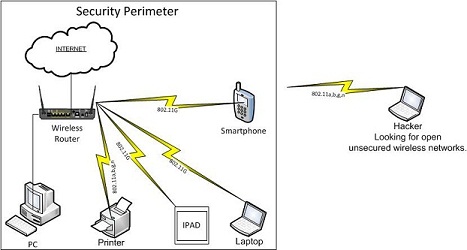
Wireless Security
1. Don't use default SSID. Create a new unique SSID that
is easy for you to remember, but not easy for others
to guess.
2. Don't broadcast SSID.
3. Use at minimum WPA security encryption. If your
wireless router supports WPA2 use this higher level
encryption standard.
4. Create an encryption key that is complex greater than
10 characters. At least 2 Characters, 1 capital
letter, a combination of letters and numbers. Not
easy for others to guess.
5. If your wireless router supports mac-address security
utilize this more secure feature. This will only
allow the devices you allow.
6. If your wireless router supports Guest mode, enable
it. It will allow Guests to go to the Internet, but
will not allow connectivity to your wireless devices.